
Pro Tips for Using Map Apps 200%
그라운드코드
6 min read
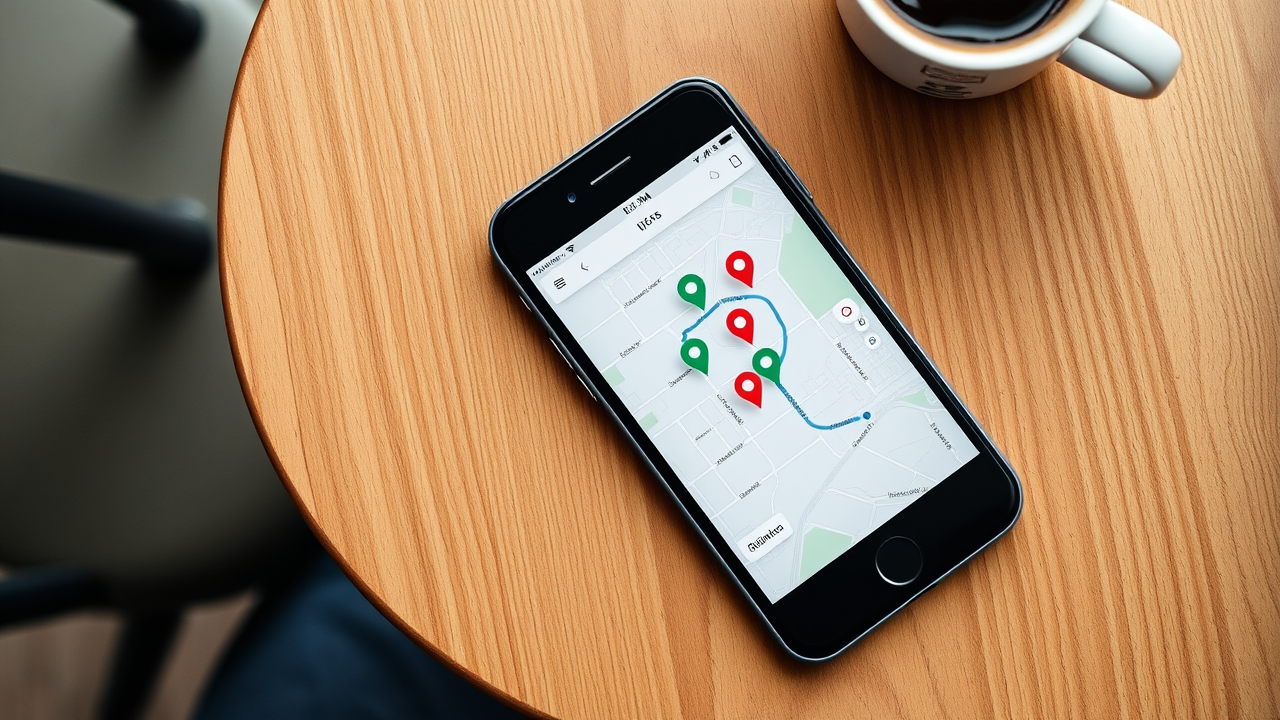
Pro Tips for Using Map Apps 200%
If you're only using basic features of the map apps you use daily, you're missing out. Let me share hidden convenient features.
Naver Map Tips
1. Real-time Business Hours
Method:
- Search restaurant → Check "Open" status
- Real-time congestion check
- Expected wait time
Use:
- Avoid lunch peak hours
- Check closing time
- Check break time
2. Use Save Feature
Save by category:
- ⭐ Favorites: Frequent places
- 📌 Want to go
- 🍴 Restaurant list
- 🎬 Cultural activities
How to use:
- See at a glance on map
- Share with friends
- Plan trips
3. Street View Preview
Method:
- Click place → Run street view
- Check entrance location
- Identify parking lot
Use:
- Reduce anxiety about new places
- Preview surroundings
- Easier navigation
Kakao Map Tips
1. Organize Favorites
Recommended folders:
- 🏠 Near home/work
- 🍜 Lunch spots
- ☕ Cafe tour
- 🚗 Drive courses
2. Share with Friends
Method:
- Share favorite folders
- Real-time location sharing
- Share meeting place
3. Route Options
Recommended settings:
- Fastest route
- Free roads first
- Exclude highways
- Shortest distance
Use with Gacha
Synergy effects:
1. Quick Decision
Process:
- Random place selection with Gacha
- Check route on map app
- Check business hours
- Go right away
2. New Discoveries
Process:
- Gacha recommends unusual places
- Preview with map street view
- Check reviews
- Try it!
Use map apps properly and combine with Gacha for perfect decision to execution!